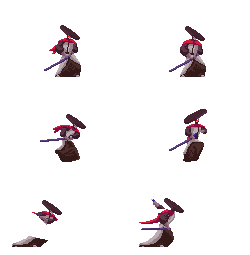




Live animation preview
A looping GIF makes the prototype feel alive and helps show how frame sequences can be validated visually.
SpriteMotion is a production workspace for 2D artists, indie game developers, and animators. Upload your own sprite sheets or animation frames, diagnose technical issues, preview motion, and export clean game-ready or animation-ready assets — with optional AI assistance.
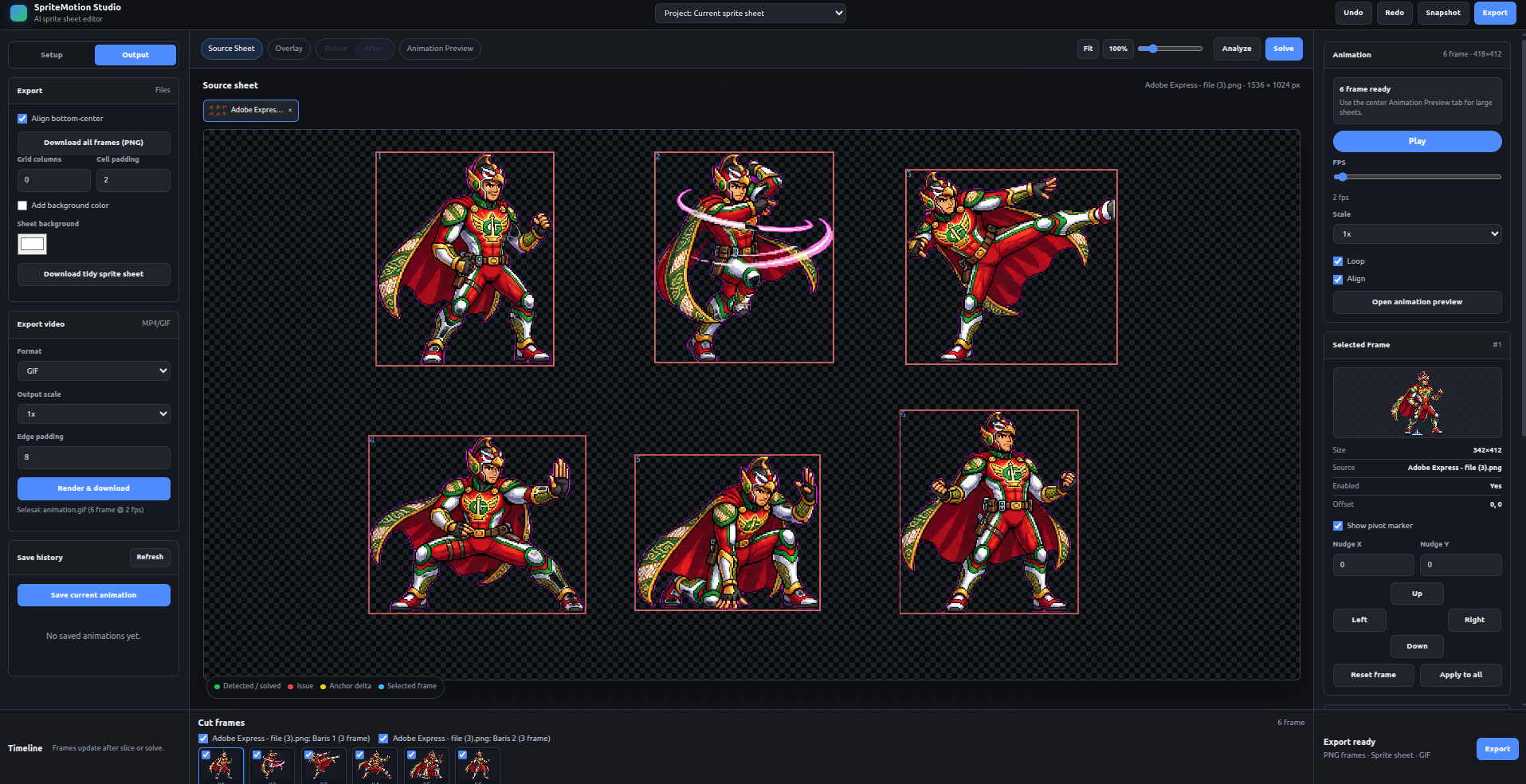 Animated preview from an 8-frame sprite sequence
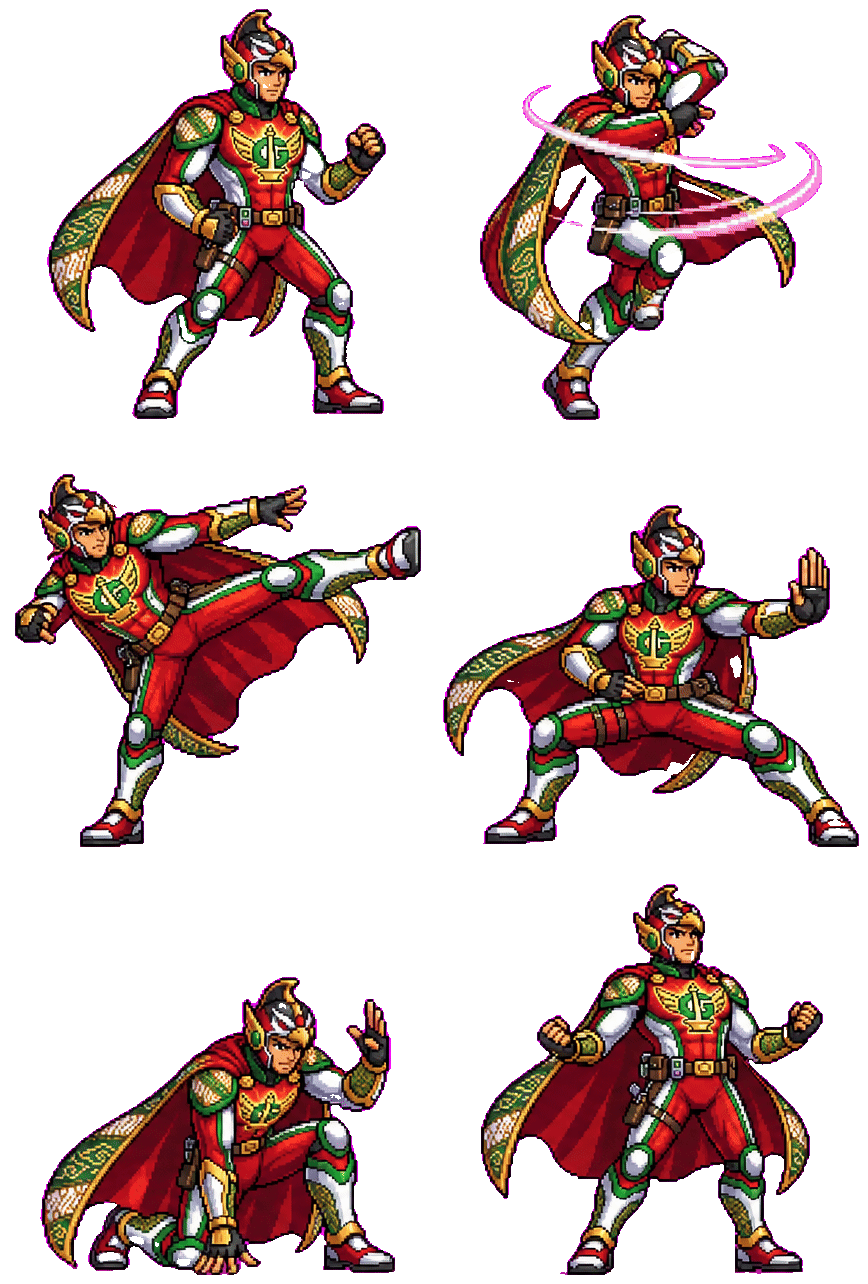 Overlay animation preview
Whether frames are hand-drawn, exported from another tool, or AI-assisted, animation sheets often still need technical cleanup: consistent frame spacing, stable anchors, readable motion, clean backgrounds, and export-ready structure.
Cutting frames, checking spacing, cleaning backgrounds, and testing loops takes time away from actual drawing and animation.
A small anchor shift, uneven frame size, wrong crop, or inconsistent spacing can make an animation feel shaky or unusable.
Creators need to see motion as a loop before sending assets into Unity, Godot, Aseprite, or a video workflow.
SpriteMotion starts with a practical workflow: upload an existing sheet, detect frames, inspect animation quality, preview motion, and prepare clean exports. AI is optional — artists can use SpriteMotion entirely with their own original work.
SpriteMotion supports creators who draw every frame by hand. Upload your own artwork, keep your style, and use SpriteMotion only for technical cleanup, animation preview, slicing, and export.
Use SpriteMotion as a production utility for your own original sprites and frame-by-frame animation.
The goal is not to replace your art, but to help organize, inspect, preview, and prepare it for production.
Fix spacing, frame size, anchors, background issues, and export structure without changing the character design.
AI optional. Artist-first. Production-ready.
For creators who want AI support, SpriteMotion can help generate pose ideas, clean rough frames, improve consistency, and prepare animation sheets faster. For artists who prefer a manual workflow, every core production feature remains usable without AI.
Pose suggestions from your own art or AI — combined into one complete, export-ready set.
Live frame motion preview, frame selection, gap detection, and anchor-aware sheet handling — currently in active development.
Detect uneven spacing, unstable anchors, inconsistent frame sizes, crop problems, duplicate poses, and motion issues.
Pose suggestions from your own character art or AI generation. Detect missing poses, get cleanup assistance, inbetween support, and style-consistency checks — combine both sources into one complete, export-ready set.
Unity, Godot, Aseprite, PNG sequence, GIF, MP4 preview, and metadata export for production pipelines.
SpriteMotion is being built by an indie founder focused on practical 2D animation production tools. The goal is to help small game teams, solo developers, pixel artists, and 2D animators turn existing artwork and motion ideas into cleaner, more usable animation assets.
Concrete targets for the next sprint — turning the working prototype into a shippable MVP.
These images and live screencasts show concrete interface direction and motion-preview capability from the working prototype. Videos marked "In Progress" reflect active development.
A looping GIF makes the prototype feel alive and helps show how frame sequences can be validated visually.
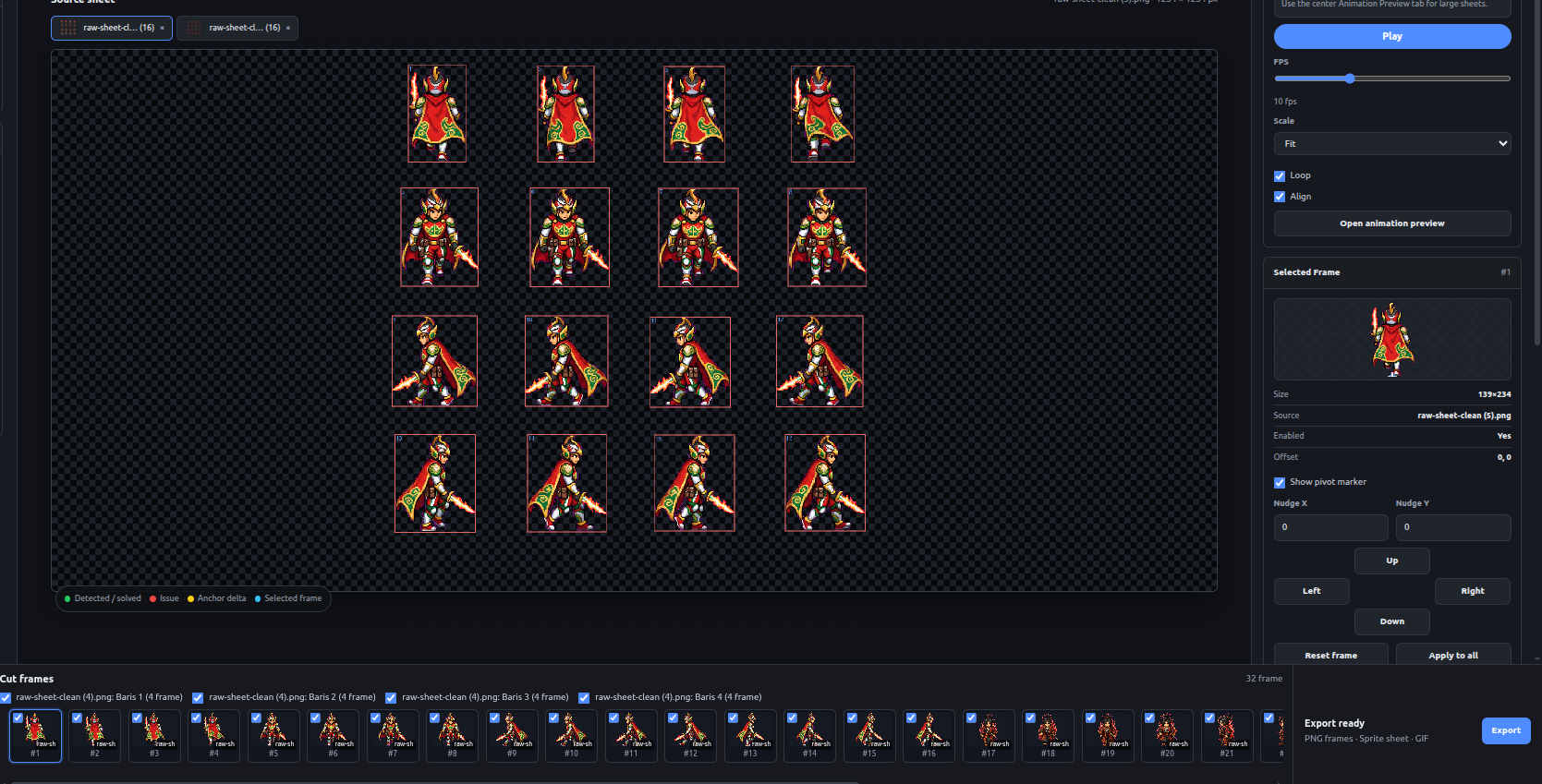
Early UI direction for selecting a source sheet and identifying individual frames that can be used in an animation sequence.
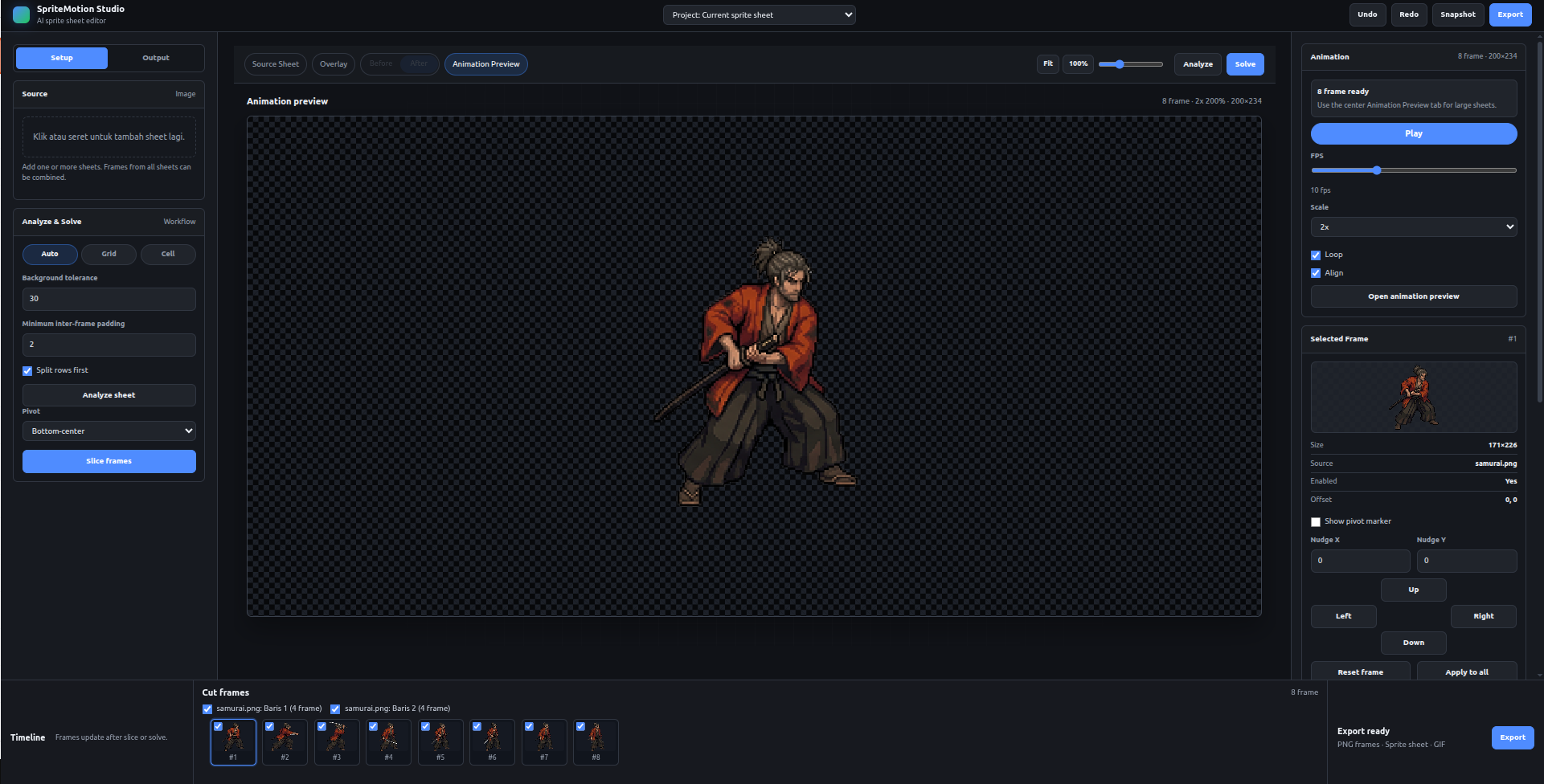
The prototype already points toward a useful workflow: source sheet, cut frames, and a playable animation preview in one place.
Live screencast showing the sprite editing interface and frame manipulation in action.
Continued development showing animation preview and export workflow progress.
This is a working prototype with sprite-sheet ingestion, frame selection, and animation preview. Next milestone: export-ready MVP for early testers.
SpriteMotion is in active development. Kiro can help turn the product direction into clear specs, implementation plans, frontend workflows, backend structure, and faster iteration toward a production-ready MVP.
This landing page is intentionally simple and prototype-driven. If you want to discuss the project, early access, or collaboration, reach out directly.